

Member Approval
By default, Sourcebot requires new members to be approved by an owner of the deployment. This section explains how approvals work and how to configure this behavior.Configuration
Member approval can be configured by an owner of the deployment by navigating to Settings -> Security.
Managing Requests
If member approval is enabled, new members will be asked to submit a join request after signing up. They will not have access to the Sourcebot deployment until this request is approved by an owner. Owners can see and manage all pending join requests by navigating to Settings -> Members.Invite link
If member approval is required, an owner of the deployment can enable an invite link. When enabled, users can use this invite link to register and be automatically added to the organization without approval: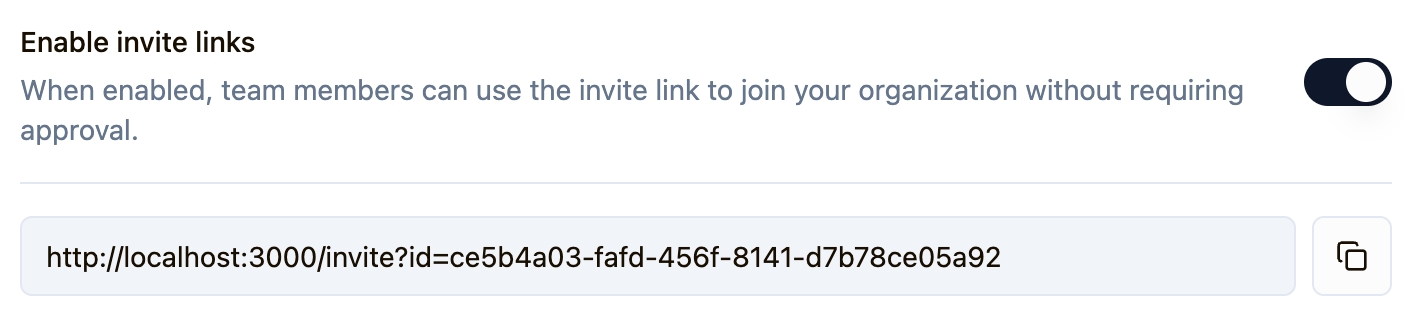
Anonymous access
Anonymous access is only available in the free plan. If you have any questions about this restriction reach out to us.
